
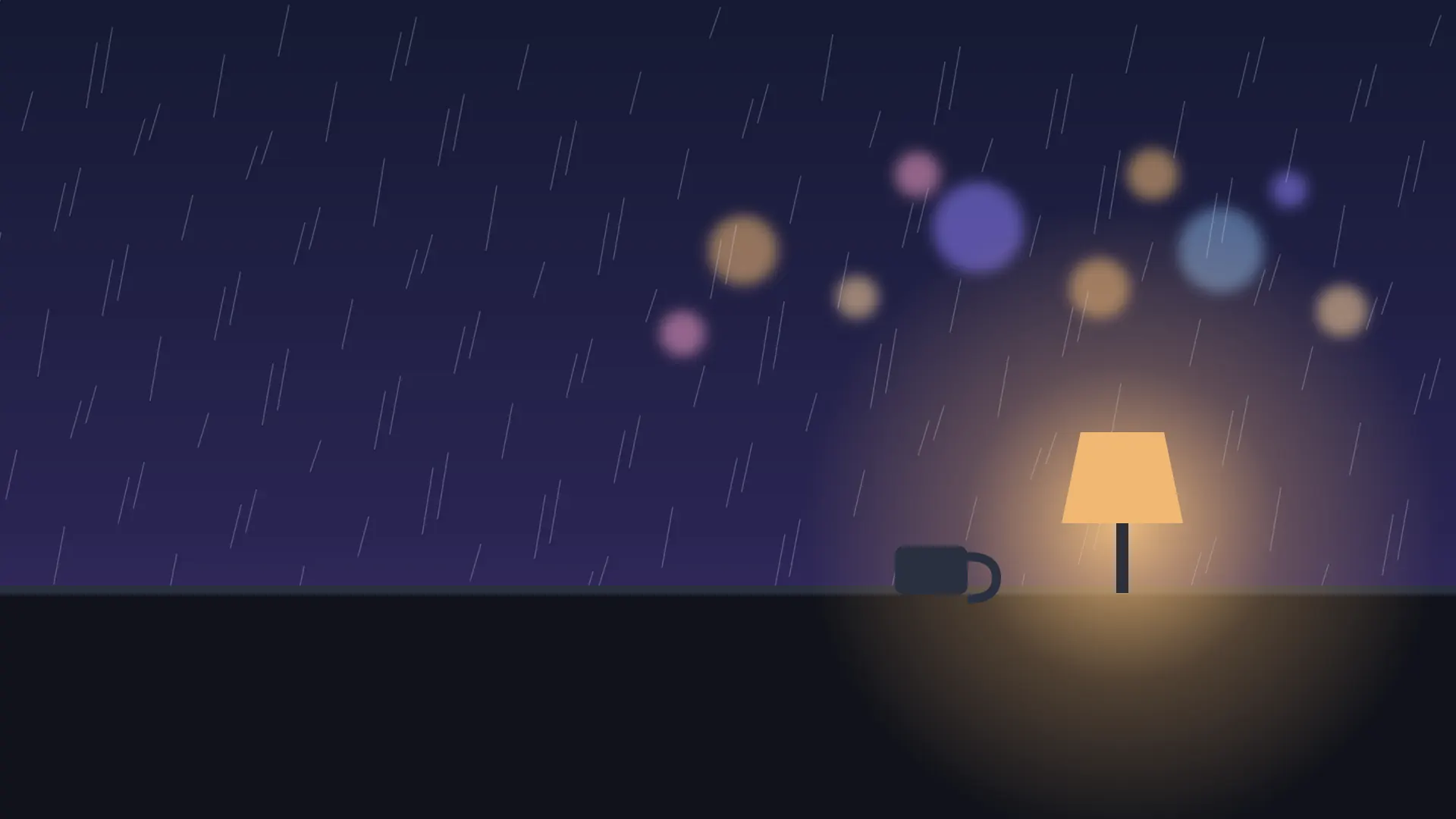
Instrumental music, animated scenes
A calm scene for every mood
Pick a vibe and Vibenook plays instrumental music over a full-screen animated scene. Every listen is a new scene, and you can tune it to your taste.
- Coming soon onApp Store
- Coming soon onGoogle Play
iPhone, iPad and Android. English and Tiếng Việt.
Your whole screen, one calm scene
The scene fills the screen, edge to edge, in portrait or landscape, on a phone or a tablet. Controls fade away after a few seconds and come back with a tap. The screen stays awake while you are in the player, and the music keeps playing in the background when you leave the app or lock your phone.
- Full-screen, edge to edge
- Portrait and landscape, phone and tablet
- Keeps playing when you lock your phone
Beautiful in landscape
Turn the phone or tablet sideways and the scene fills it again. Lock rotation if you prefer.
Pick the vibe, not the playlist
Nine moods, each with its own music and scenes. Tap one to see what it is for.
A new scene every listen
Every track comes with several animated scenes. Each time you press play, Vibenook picks one at random, so a favorite track never looks the same twice. Shuffle for another one, or pin the scene you love.
- Several scenes per track
- Shuffle or pin a scene
- Continuous play with smooth crossfades
Make every scene yours
Shift the tint, lower the brightness and slow the motion. Layer ambient sounds such as rain, fire, waves or a café under the music. When it feels right, save it as a preset and bring it back in one tap.
- Color tint and darkness
- Ambient layers: rain, fire, waves, café, wind and more
- Presets to save your favorite combinations
Layer ambient sounds
Timer and Pomodoro built in
A sleep timer fades the music out softly before it stops. Pomodoro cycles between focus and break blocks with a gentle chime, and the scene shifts tone during breaks. Both keep running when you leave the app.
- Sleep timer with a soft fade-out
- Pomodoro: focus, short break, long break
- Runs in the background
Focus · 25
Short break · 5
Cycles · 4
See your focus and sleep add up
Vibenook keeps a simple log of your minutes: focus, sleep and relax. See your daily streak, your best hours and a weekly goal you can turn off any time.
- Minutes by focus, sleep and relax
- Daily streaks and weekly goal
- Weekly and monthly charts
12
Day streak
6h
This week
Example screen. Your own numbers appear as you listen.
Free to start, Pro when you want more
Every mood is free to explore. Pro opens the whole library and the extra tools. Both monthly and yearly Pro plans start with a 7-day free trial. Vibenook has no ads.
| Feature | Free | Pro |
|---|---|---|
| Moods | All nine | All nine |
| Tracks | A starter selection from every mood | The full library, with new tracks added regularly |
| Scenes | Random from the free scenes | Random from all scenes, or pin your favorite |
| Visual customization | Tint and darkness | Everything |
| Ambient layers | 1 at a time | Up to 5 at a time |
| Presets | 2 | Unlimited |
| Timer and Pomodoro | Included | Included |
| Offline downloads | No | Yes |
| High audio quality | No | Yes |
| Stats history | Last 30 days | Full history and data export |
| Ads | None | None |
Limits can change as the app grows. Prices are shown in the app, in your currency, before you subscribe.
Questions, answered
What is Vibenook?
Vibenook plays instrumental music over a full-screen animated scene. You choose a mood such as Focus, Relax or Sleep, and each time you press play the app picks a different scene for the track. You can tune the colors and sounds, set a timer or Pomodoro, and save presets.
Is there singing or lyrics?
No. Every track is instrumental, so nothing competes with your work, your book or your sleep.
Is Vibenook free?
You can explore every mood for free. Free includes a starter selection of tracks from each mood, the timer and Pomodoro, and basic visual customization. Pro adds the full library, more scenes and tools, offline downloads and high audio quality. Pro has a 7-day free trial, and prices are shown in the app before you subscribe. There are no ads.
Does the music keep playing when I lock my phone or leave the app?
Yes. Music, ambient layers, the sleep timer and Pomodoro keep running in the background. The animated scene pauses when you leave the player and comes back when you return. If you swipe the app away from the app switcher, playback stops.
Will the screen stay on?
While you are in the player, the screen stays awake by default so the scene keeps playing. If you fall asleep to Vibenook you can allow the screen to turn off in Settings, and the music keeps going.
Can I use it on a phone and a tablet, in landscape?
Yes. Vibenook is built for iPhone, iPad and Android phones and tablets, in portrait and landscape. The scene always fills the screen.
Coming soon to iPhone, iPad and Android
Vibenook is not in the stores yet. The badges below will link to the listings when the app is out.
- Coming soon onApp Store
- Coming soon onGoogle Play
iPhone, iPad and Android. English and Tiếng Việt.